Discover everything CueTimer Pro can do for your production.
From automatic rundown preparation to professional countdown timers, live speaker displays, real-time overlays and integrations with Bitfocus Companion, vMix, QLab or our API, CueTimer Pro brings together every tool an event production needs to prepare, control and display time from a single platform.
- Smart rundowns
- Professional countdown
- Speaker display
- Live overlays
- QR sharing
Compatible with


More than 40 features designed for live AV production.
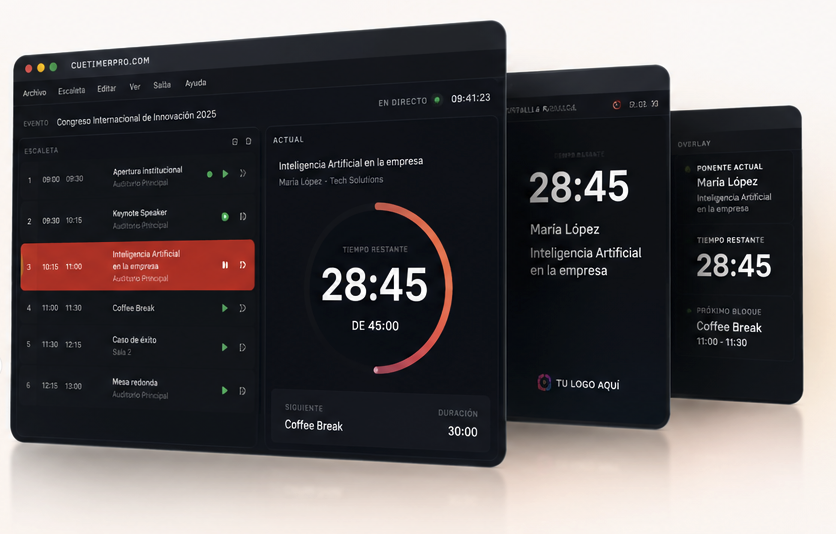
The event schedule at the centre of everything.
The rundown is the backbone of CueTimer Pro. It organises sessions, speakers and timings in one place and recalculates the whole day automatically when something changes.
- Sessions, blocks and speakers arranged in a single timeline.
- Scheduled times update instantly when durations change.
- Live reordering without losing the running block.
- Multi-day rundowns for long events (Pro).
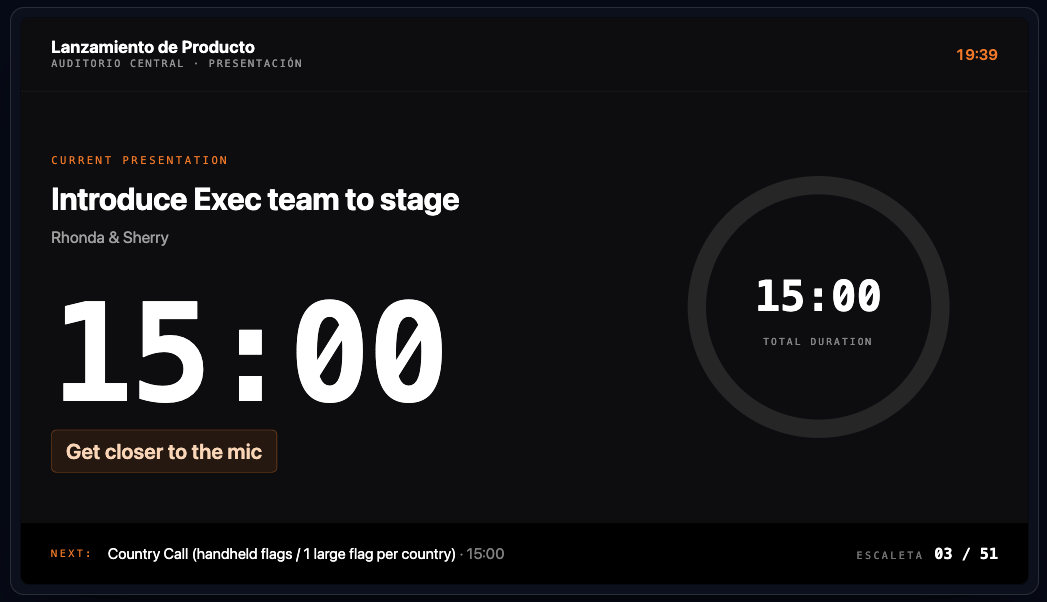
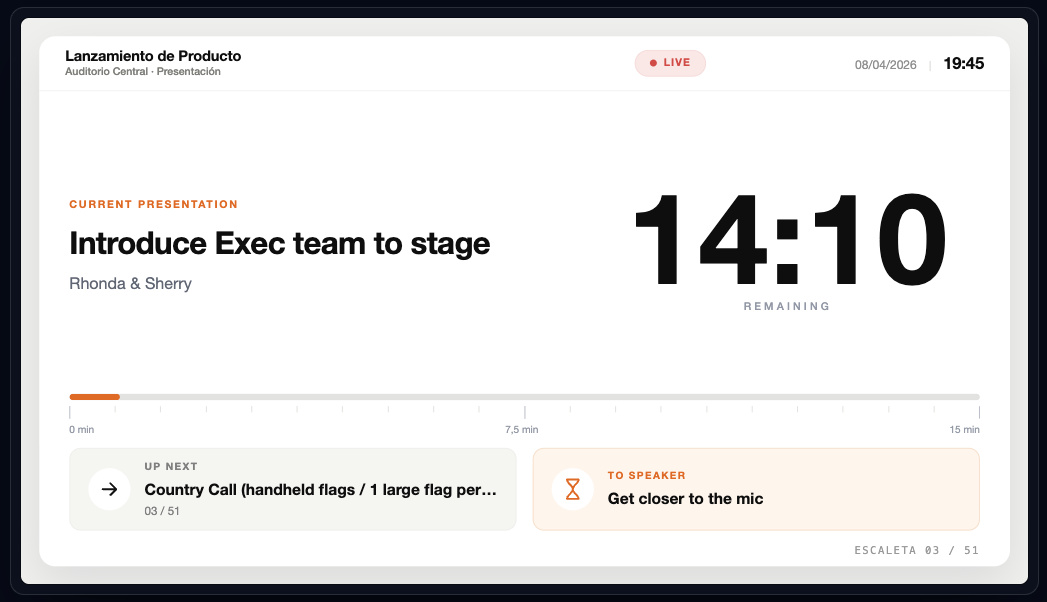
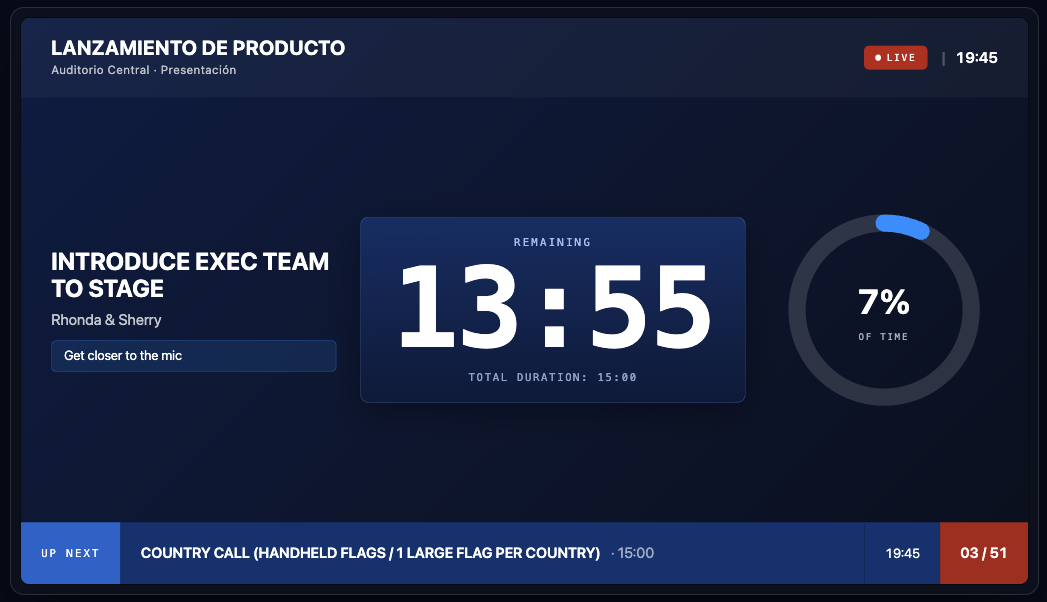
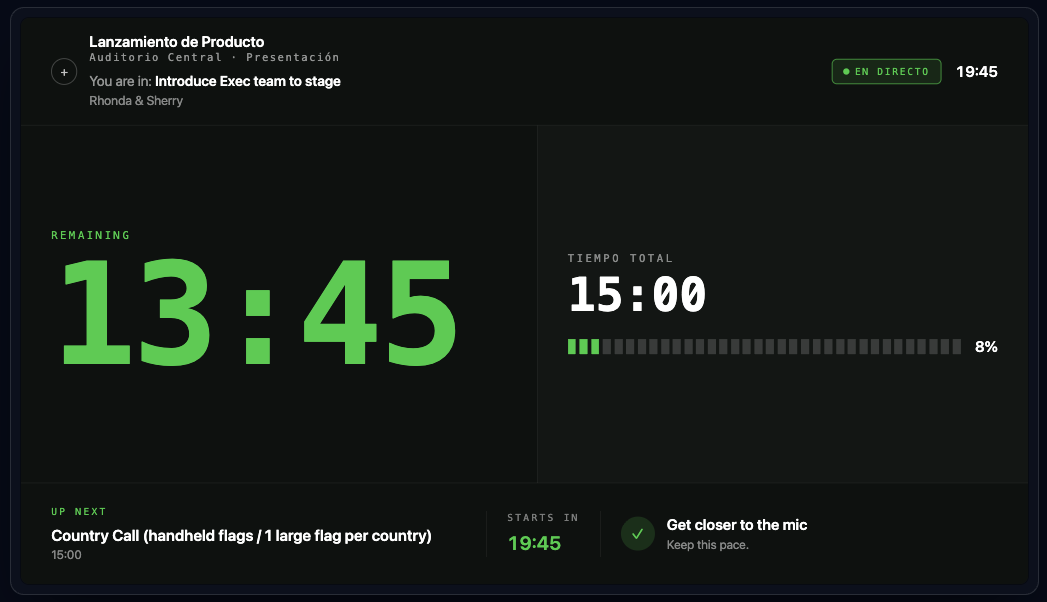
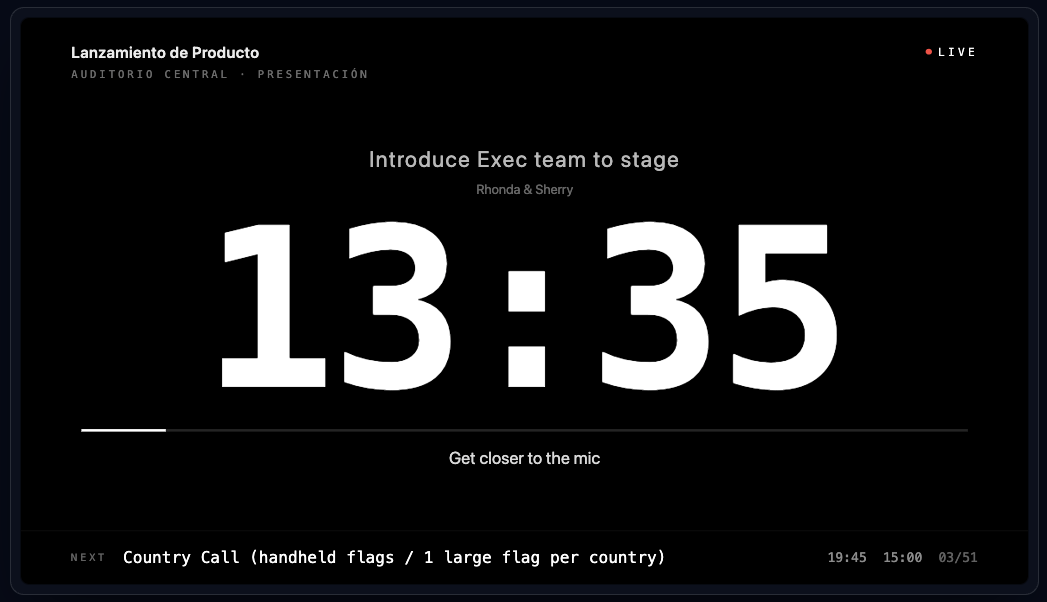
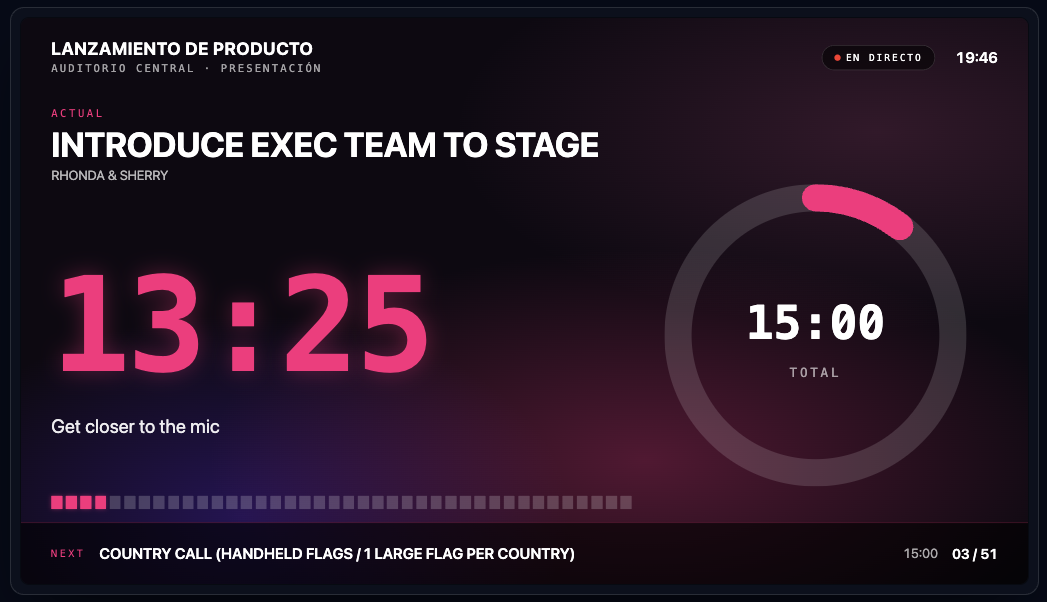
The screen the speaker sees.
A clean confidence monitor that shows the presenter exactly what matters: the remaining time, discreet messages from the booth and the key information of the event.
- Large countdown visible from stage.
- Messages and cues overlaid without stopping the timer.
- Custom layout, themes and event branding (Pro).
- Works on any screen, monitor or tablet in the room.
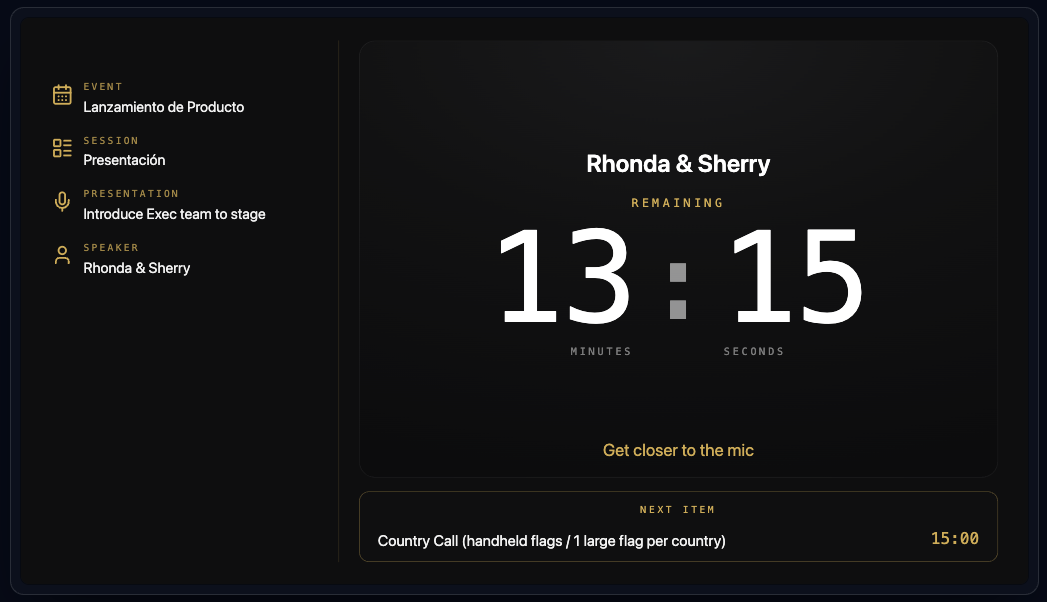
Turn any rundown into an event ready to run.
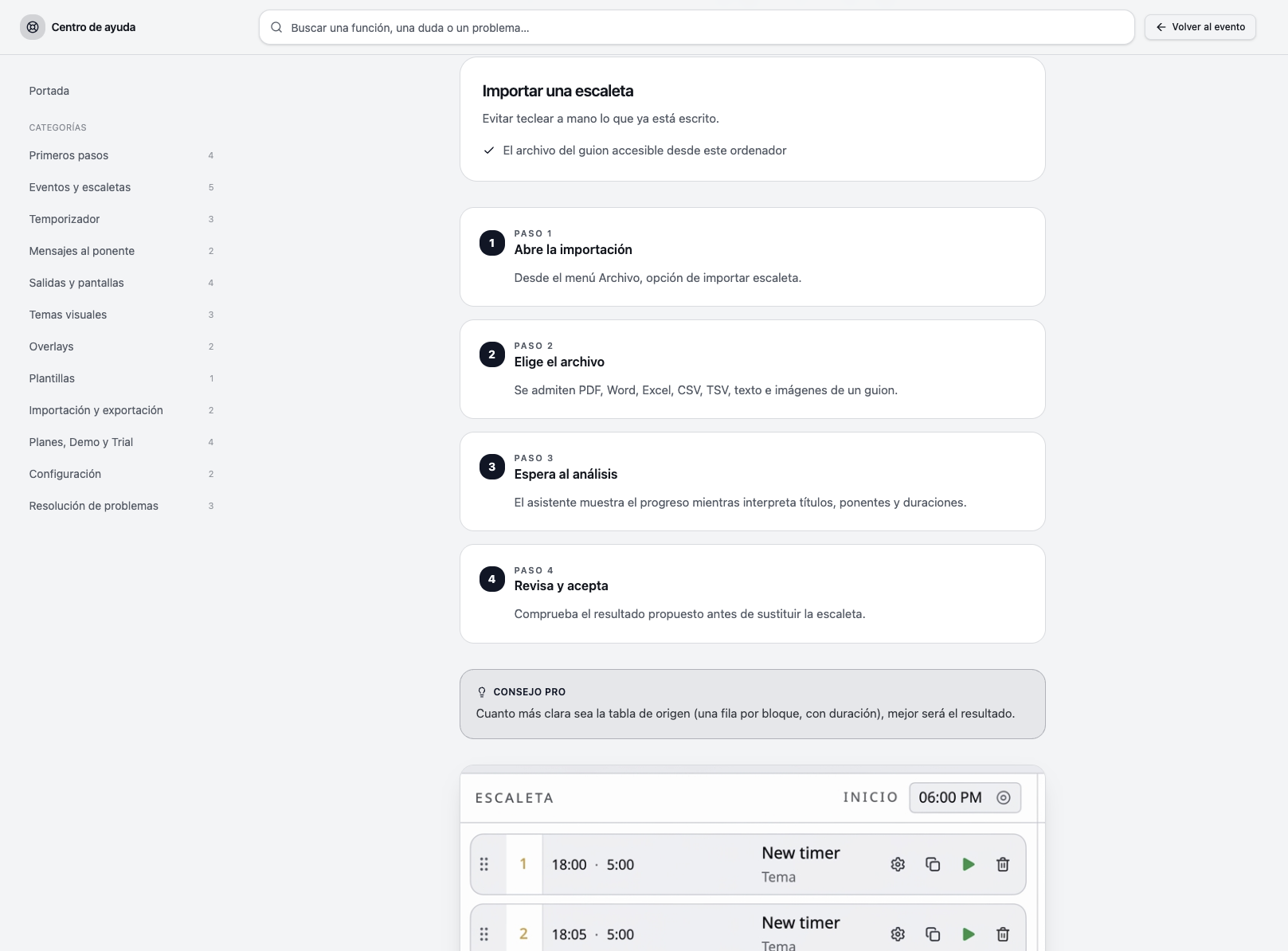
Import the document you already have and let CueTimer Pro interpret it. PDF, Excel, CSV or even a photo become an editable event schedule in seconds.
- Reads Excel and CSV files with times, titles and speakers.
- Extracts structure from PDF programmes.
- Interprets photos of printed running orders.
- Generates an editable rundown you can review before going live.
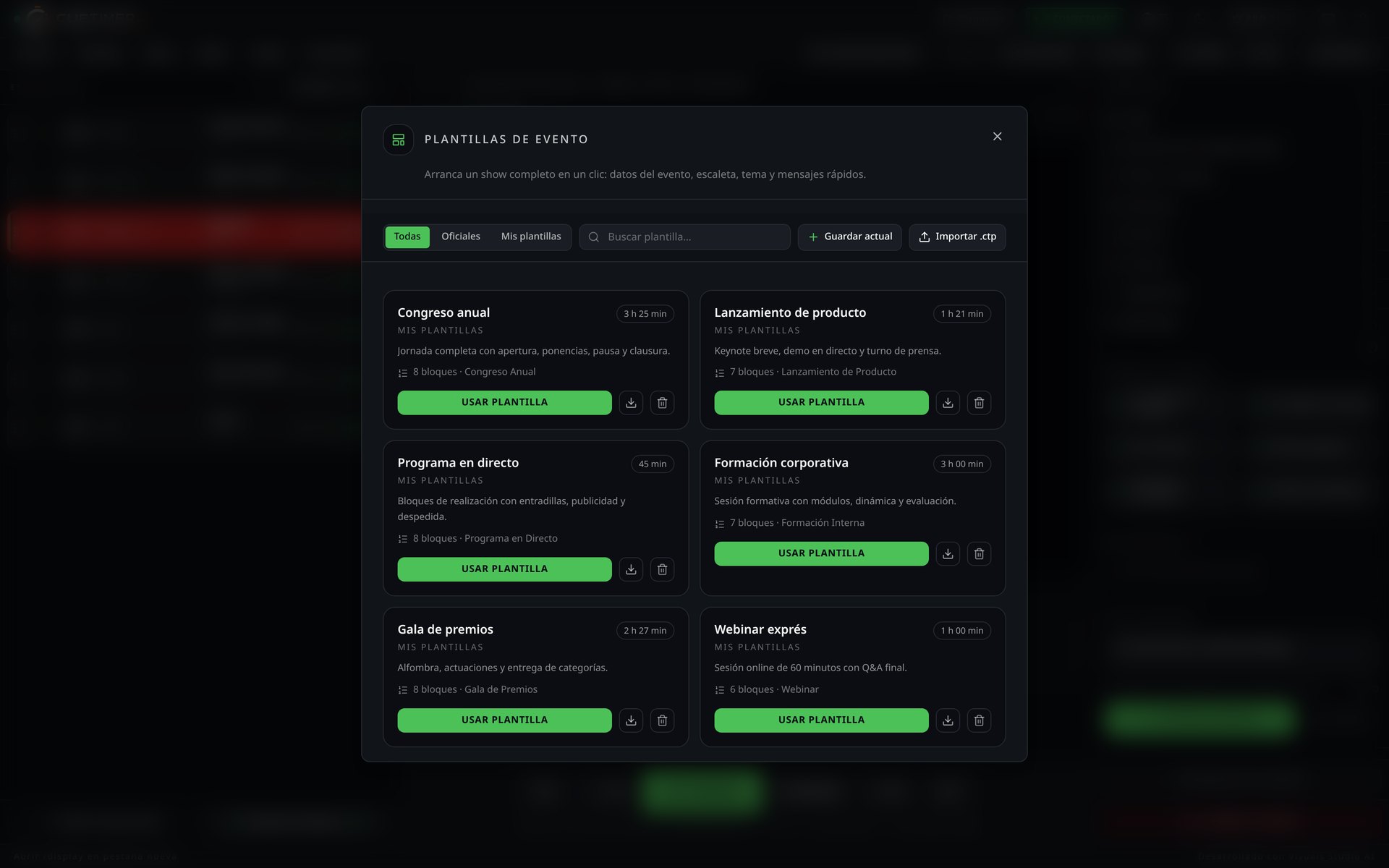
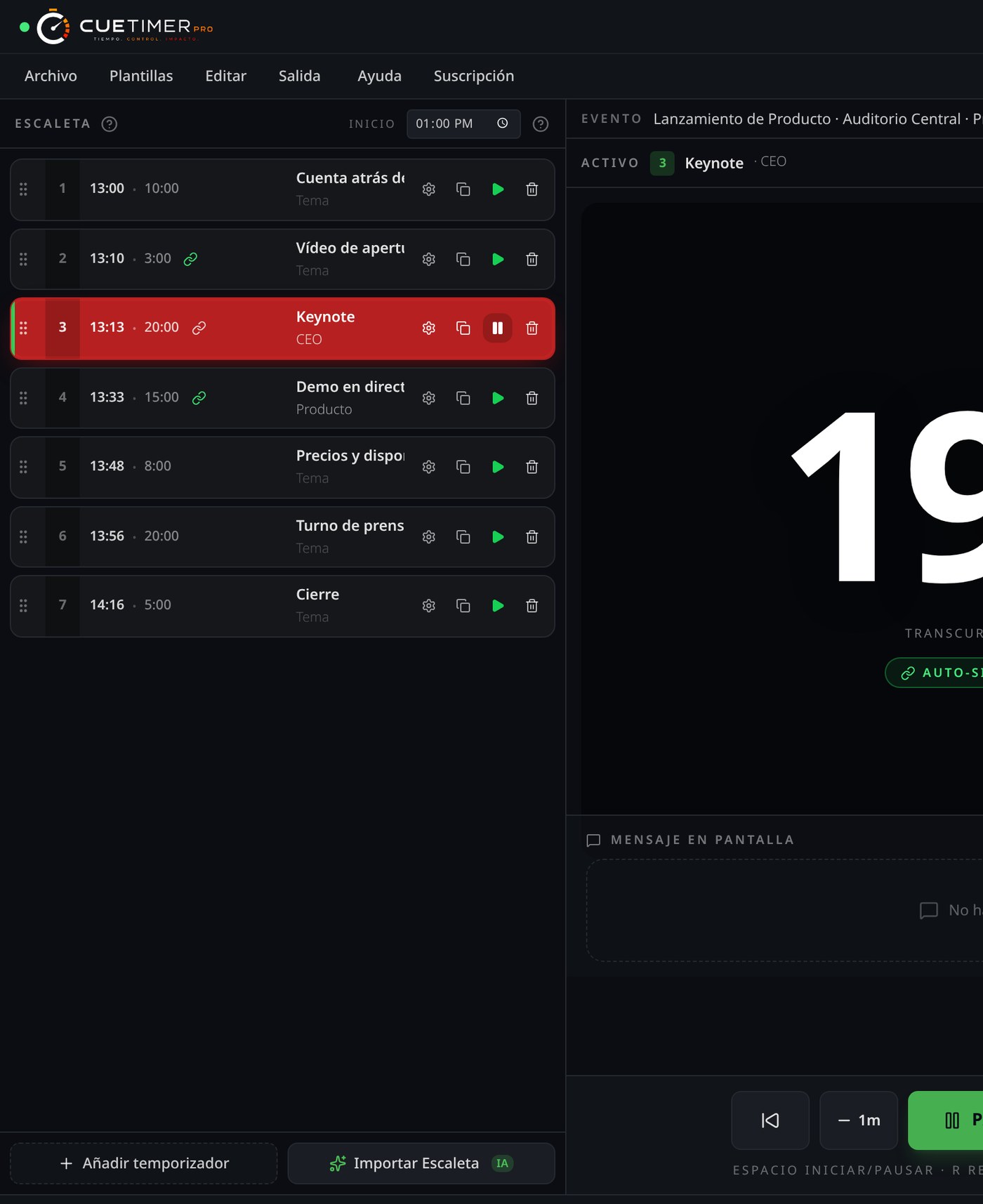
The event control centre.
The operator's main workspace during a live show. From here you run the rundown, manage timers, send messages and keep the whole event on track.
- Full rundown and timer controls in one view.
- Quick messages to the speaker and production team.
- Live status of the event, drift and next blocks.
- Reference monitor for confidence and backstage screens.
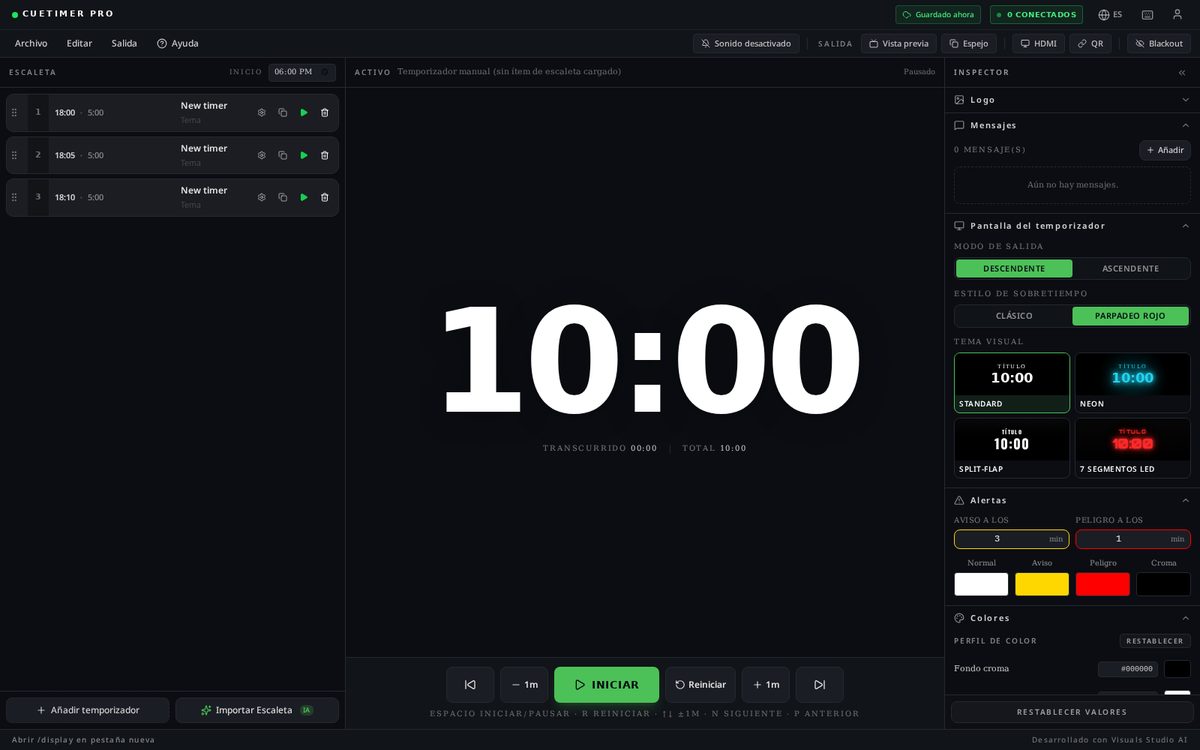
Professional overlays for any screen or video feed.
CueTimer Pro generates clean information overlays with the remaining time, current speaker, next block and live messages. Embed them over a video signal or display them on room screens.
- Remaining time, current block and next block in one strip.
- Speaker name, session and event information always visible.
- Live messages without covering the main image.
- Ready for video mixers, streaming platforms and venue monitors.

Connect CueTimer Pro to your production stack.
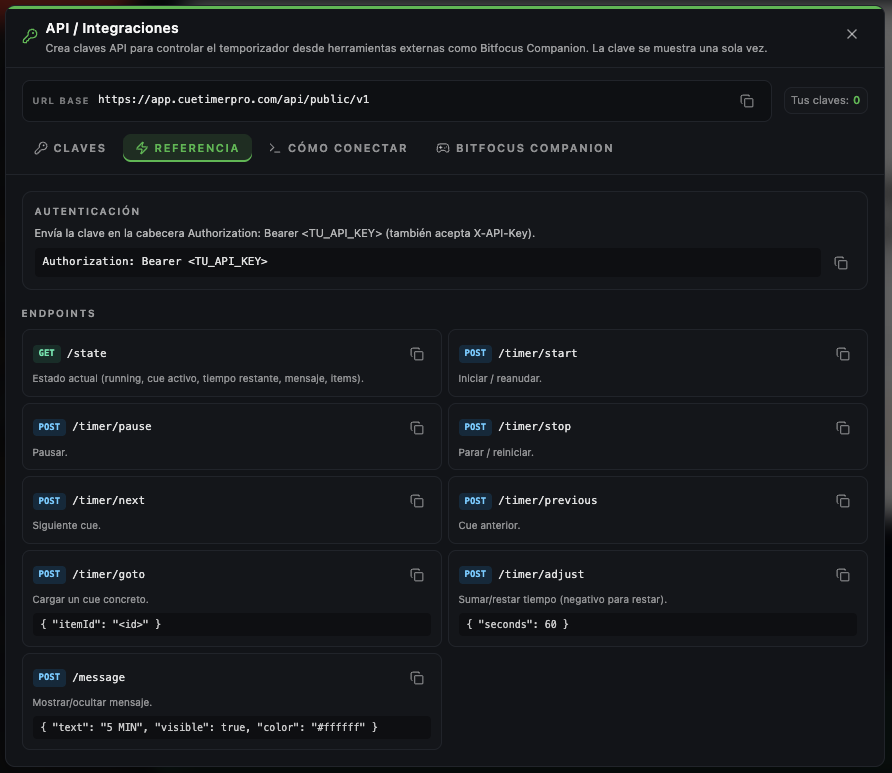
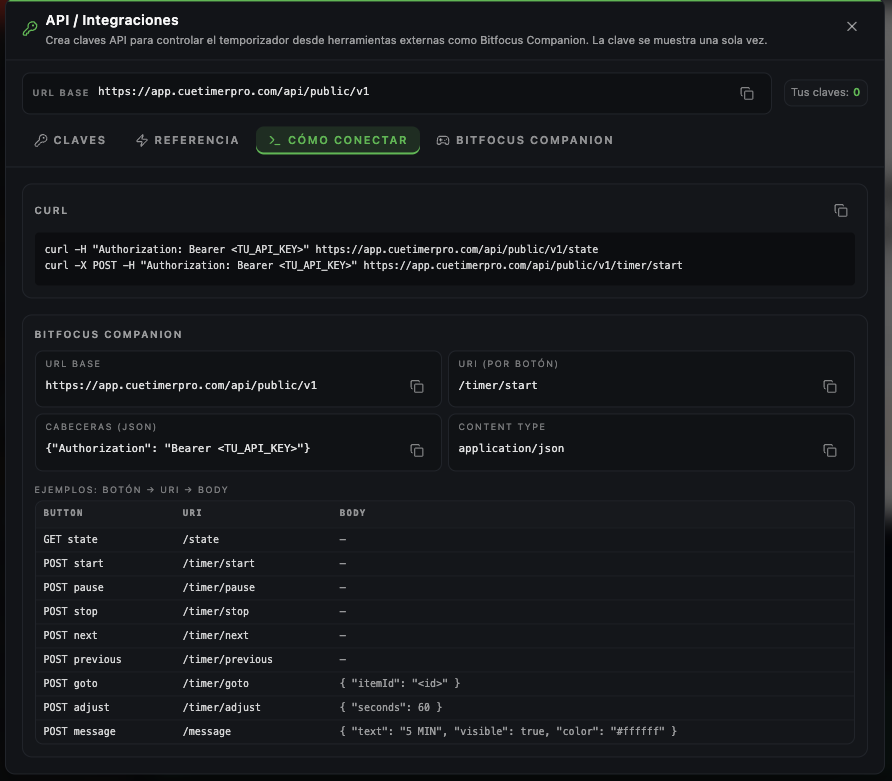
The API lets other systems read the event state and trigger actions. Useful for galleries, venue automation or any timer software workflow that needs to stay in sync.
- Read timer, rundown and block status in real time.
- Query event information from external systems.
- Automate starts, stops and cue changes.
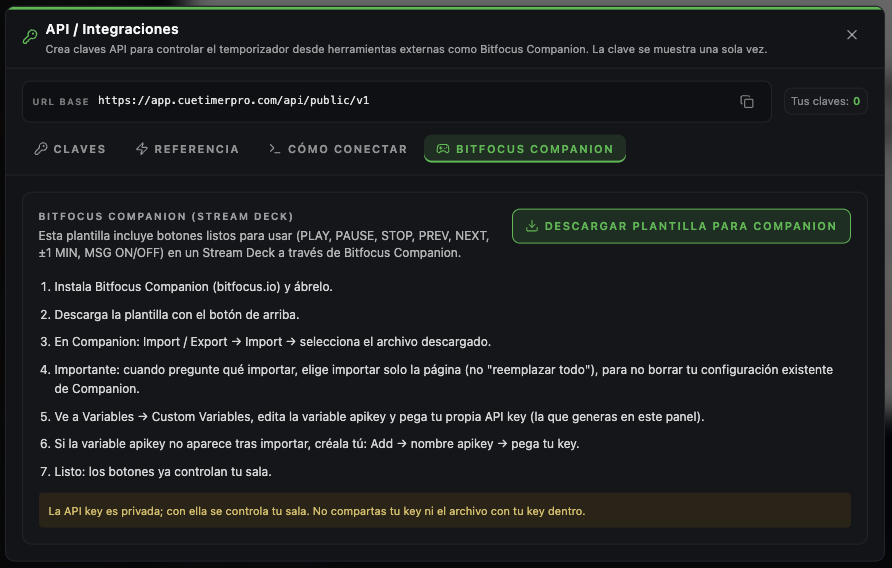
- Integrate with live production tools you already use (Pro).
Compatible with
You will never have to leave CueTimer Pro.
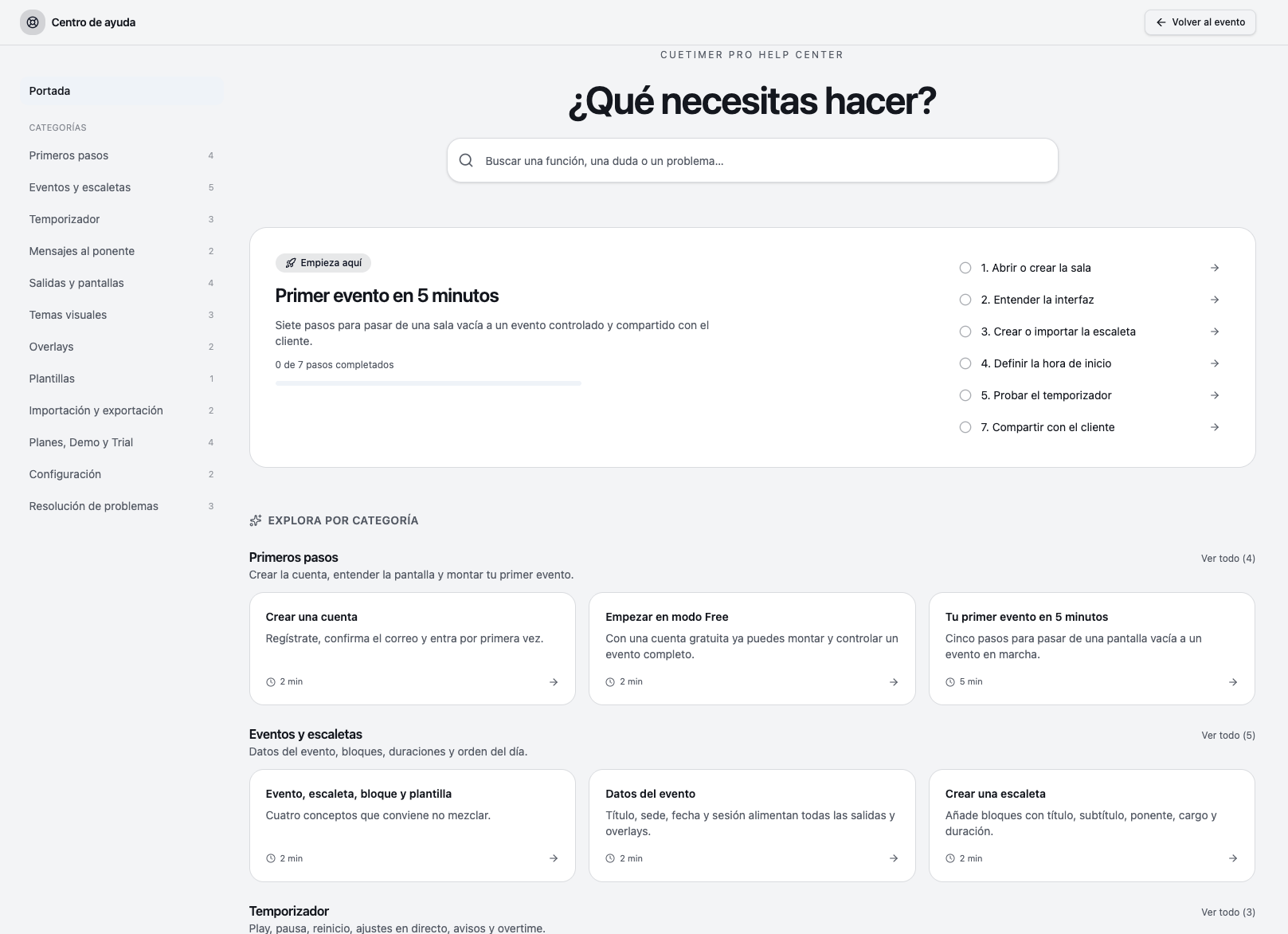
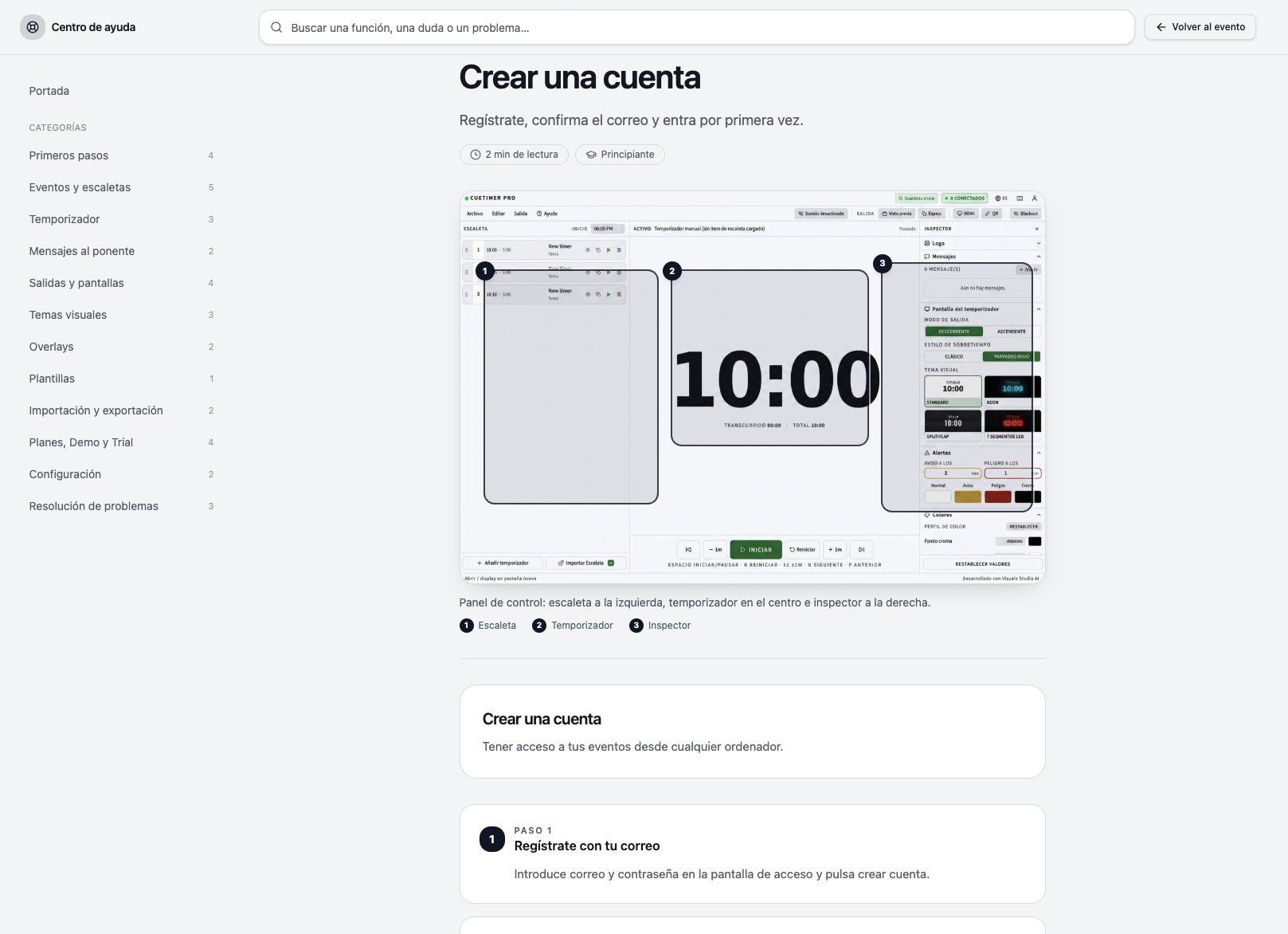
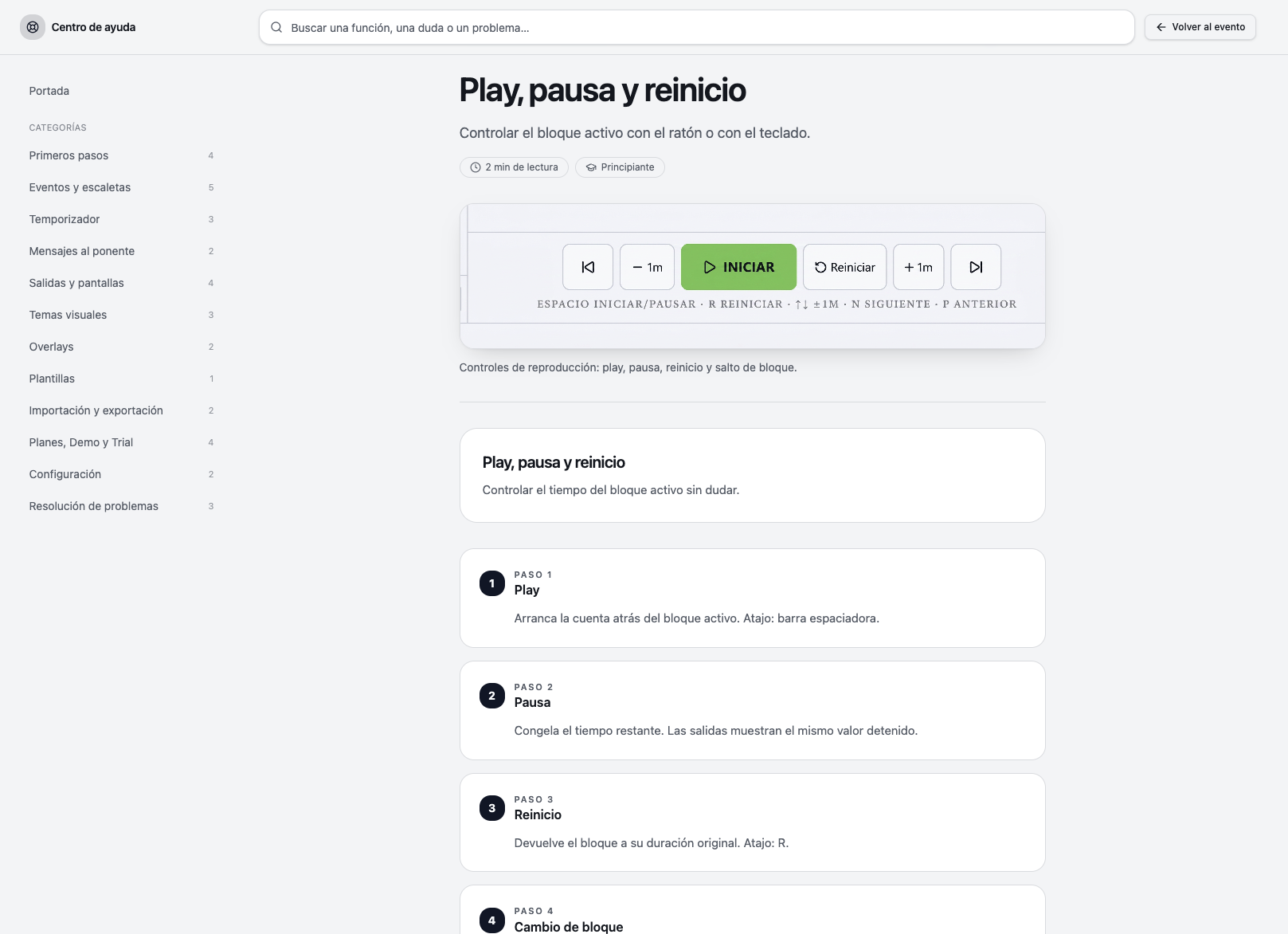
Every function includes visual help, real screenshots and contextual explanations so you can solve any doubt while you prepare or run an event.
- Real screenshots of every function, with the interface highlighted.
- Step-by-step guides: first event, importing a rundown, speaker display.
- Tips that appear while you work, not in a separate document.
- Contextual help that follows the screen you have open.
- Available without leaving the app, even during a live show.
- One search box for any function, doubt or issue.