
Speaker timer · Live event control

Control every speaker. Keep the whole event in sync.

Timers, rundowns and connected displays from one interface for live events.
CueTimer Pro speaker timer and live control during a corporate conference
17:00
18:00
19:00
20:00
21:00
  • No installation · Runs in the browser
  • QR access · Read-only view
  • Real-time sync · Booth, stage and room
During the event

One app feeding every point of the event.

You run the session once. Everyone who needs the time gets it, on the screen they already have in front of them.

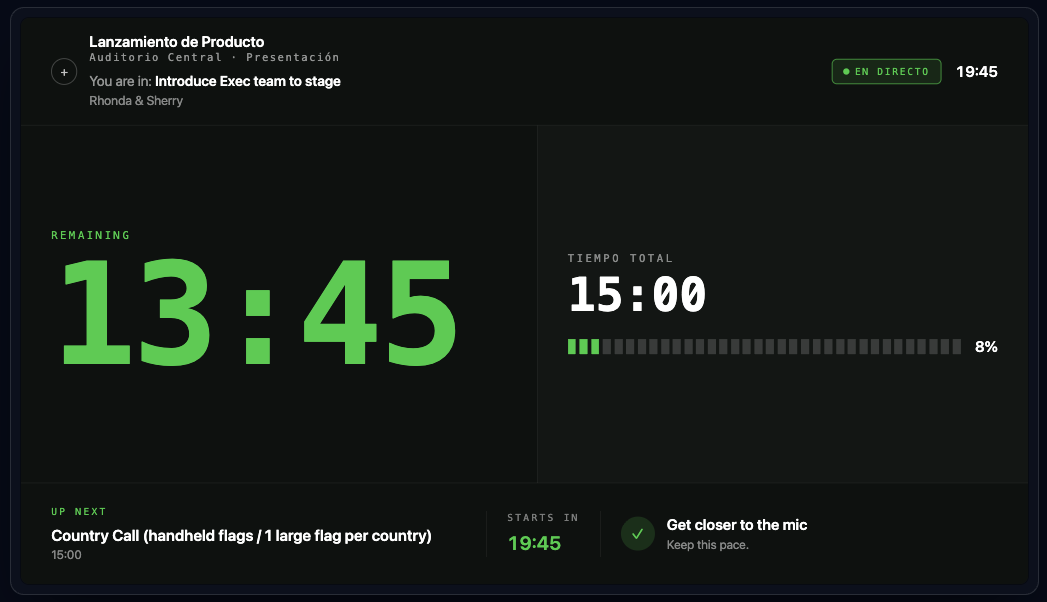
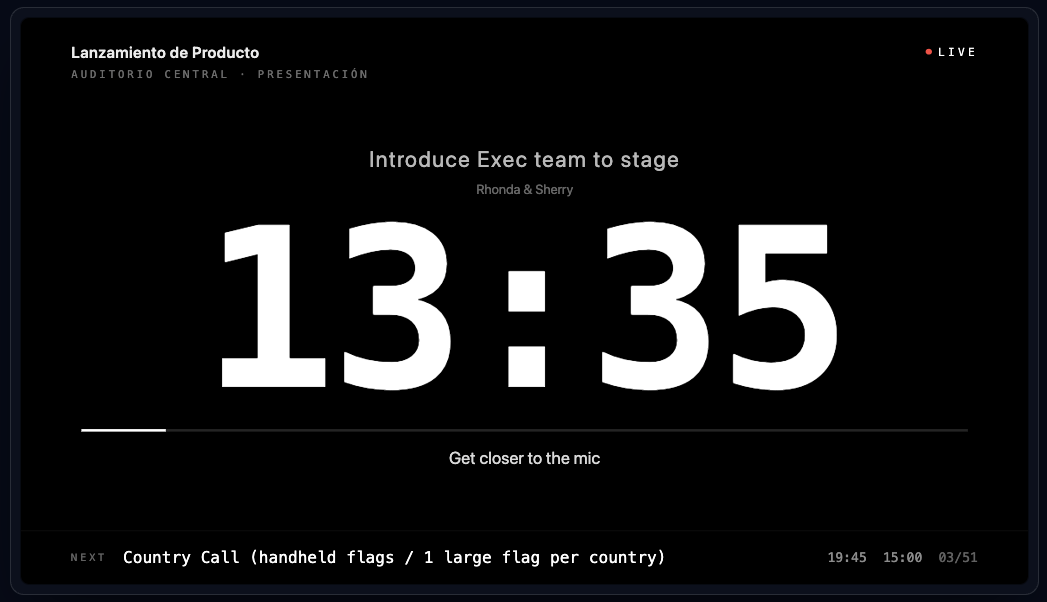
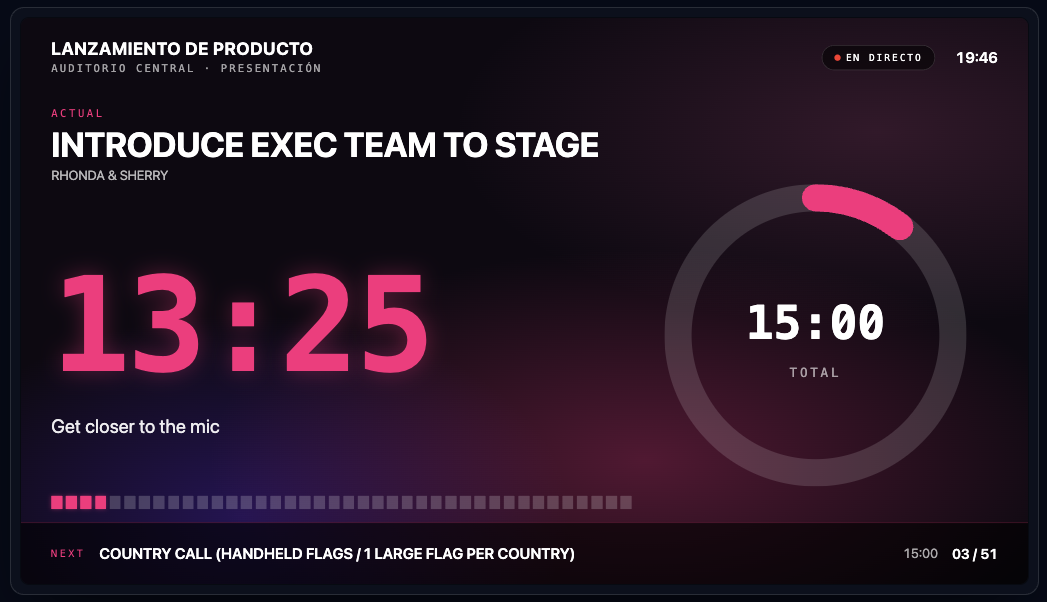
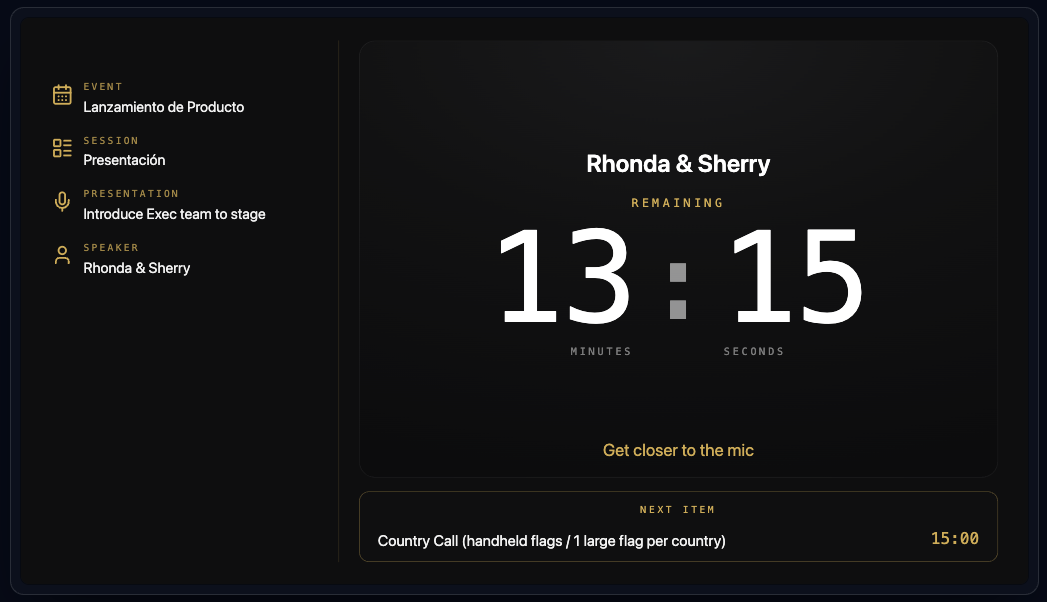
  • SpeakerSees the remaining time on stage, plus discreet messages from the booth.
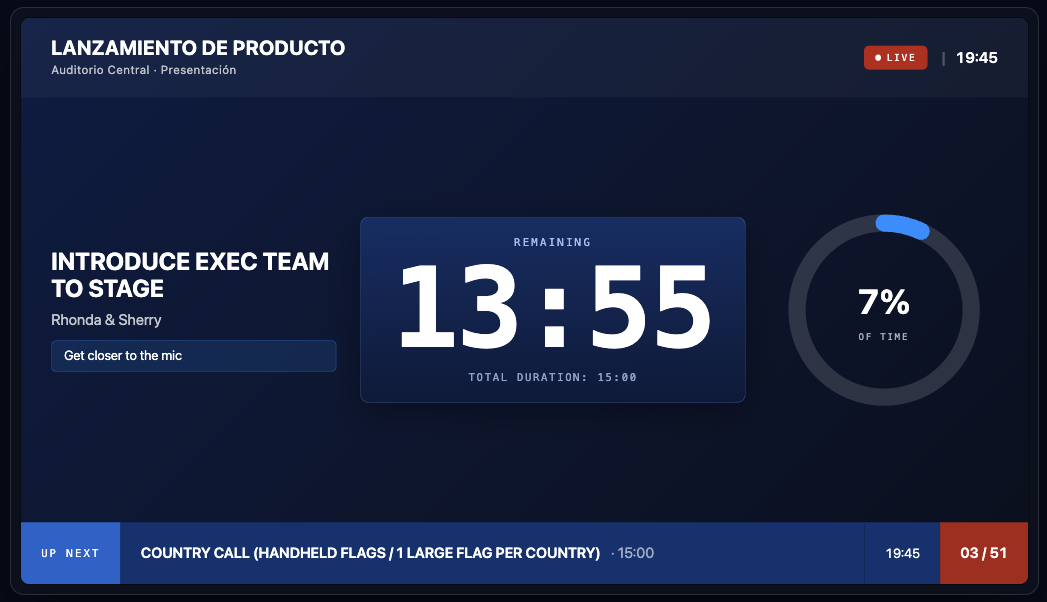
  • Confidence monitorThe reference screen at the foot of the stage, with the same countdown as the booth.
  • OperatorStarts, pauses, adds minutes and jumps between sessions from a single interface.
  • ProductionKnows which session is running, how much drift there is and what comes next.
  • Tablets via QRAnyone on the team opens the timer by scanning a code. No installs, no cables.
  • Screens via overlaysClean overlays for room screens, streaming and video walls with the information each audience needs.

Same event, one source of time. Change something once and every device updates.

Automatic rundown

Turn any run of show into an event ready to work.

Import programmes in PDF, Excel or image format and turn the running order into a prepared event, with sessions, times and structure.

app.cuetimerpro.com
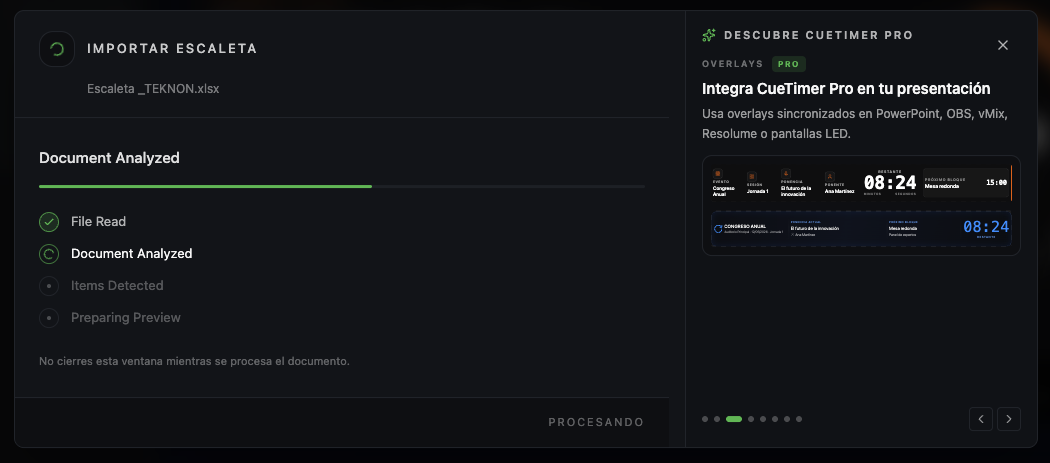
Importing a document into CueTimer Pro
01 · Import

Import your programme.

Upload an Excel file, a PDF or a photo of the running order.
app.cuetimerpro.com
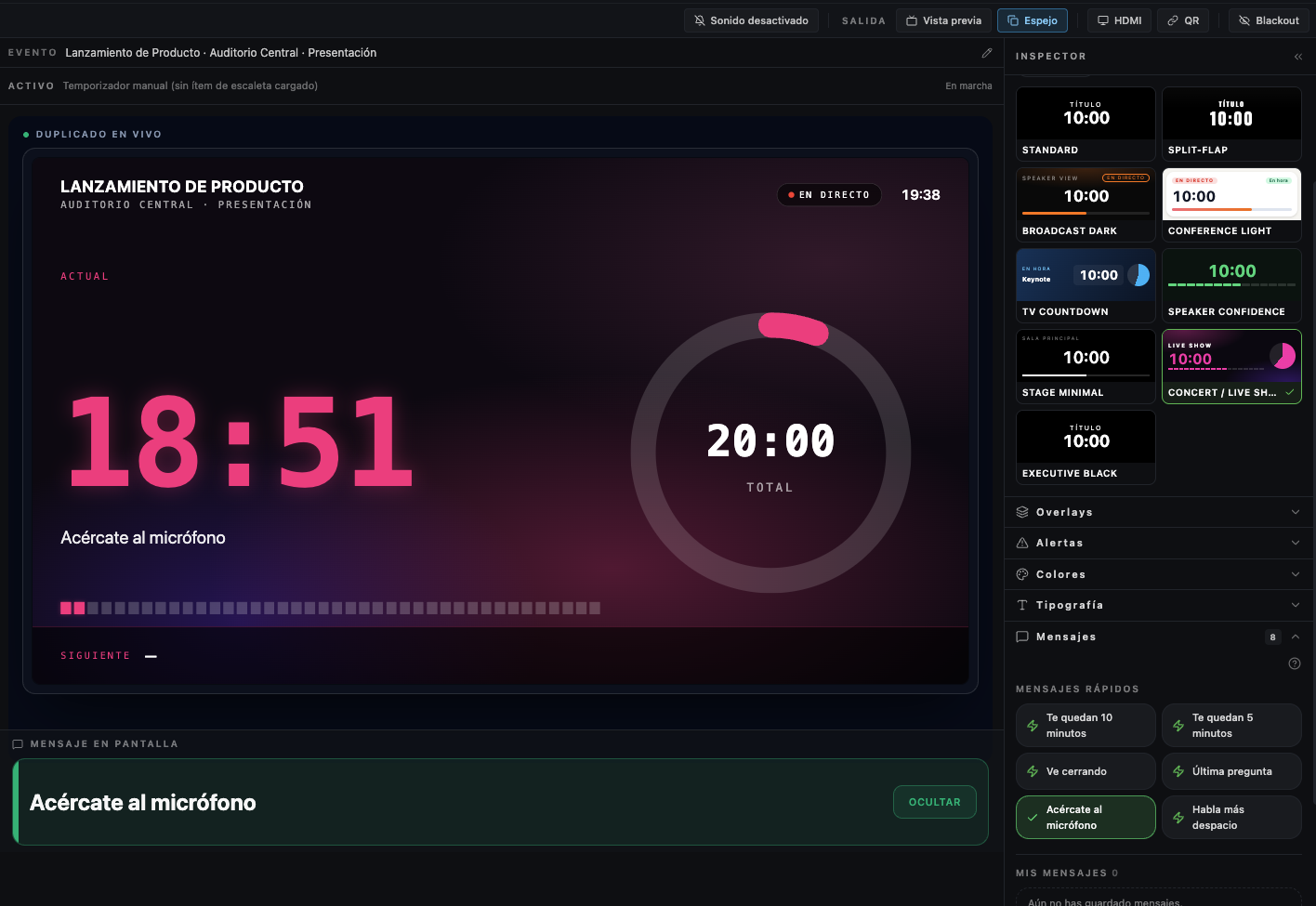
Rundown created automatically in CueTimer Pro
02 · AI

AI builds the rundown.

Times, blocks, titles and durations are detected automatically. No copying, no pasting, no retyping.
app.cuetimerpro.com
Editing rundown blocks in CueTimer Pro
03 · Review

Make the final tweaks.

Change times, move blocks, adjust durations or add new items before going live.
app.cuetimerpro.com
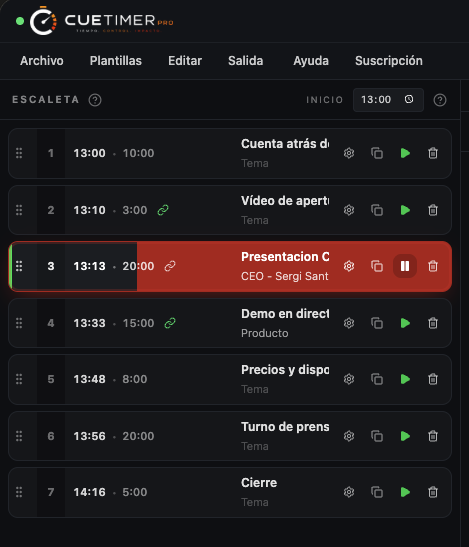
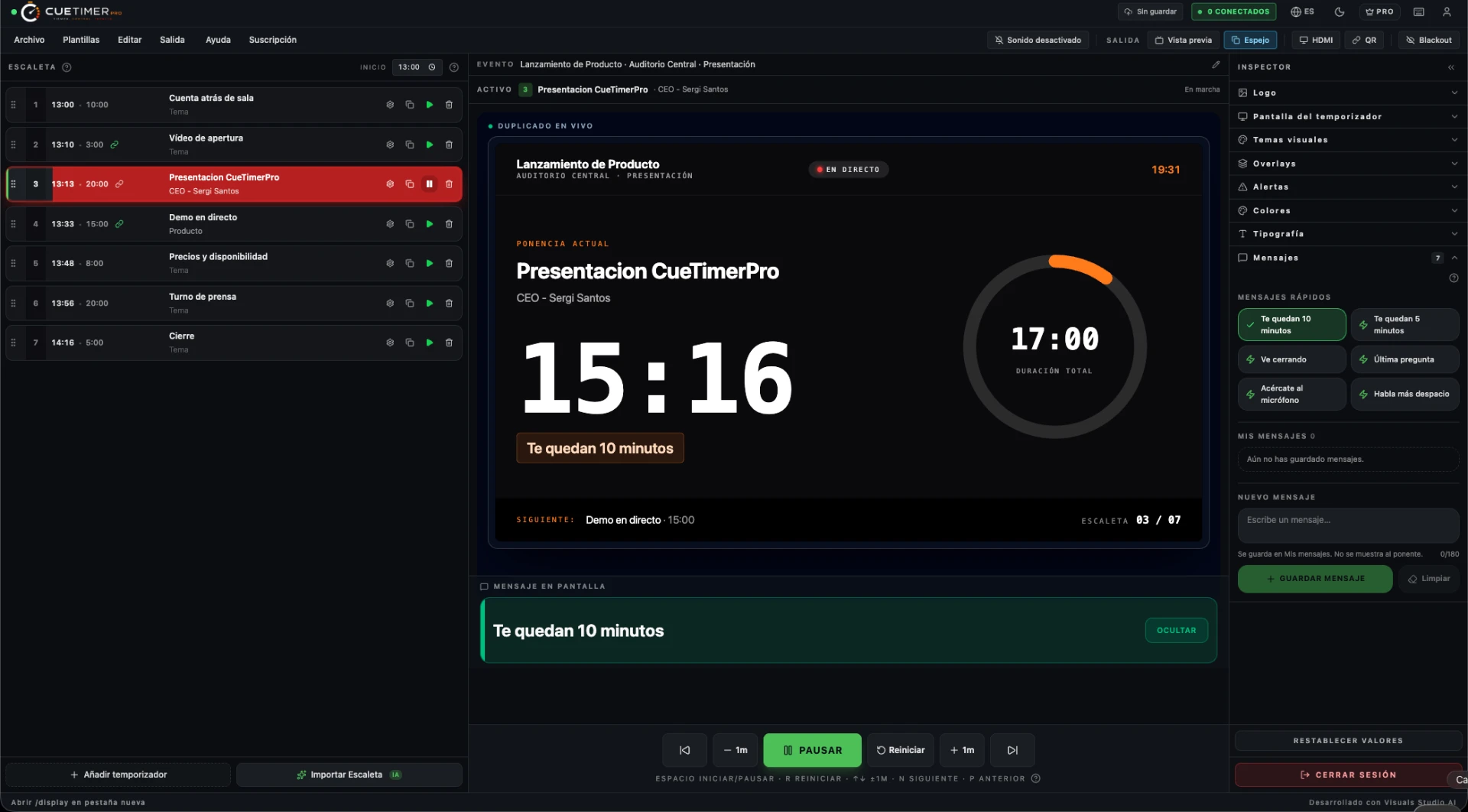
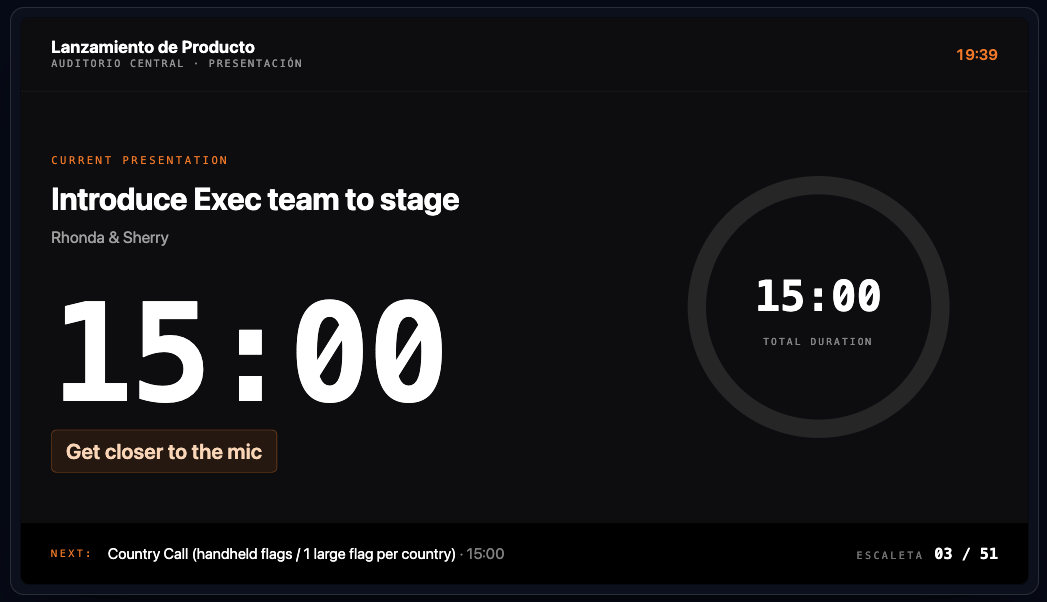
CueTimer Pro running a live event
04 · Live

Start the event.

Production, technicians, speakers and the public display stay in sync automatically.

AI import is a Pro feature. Supported files: PDF, Excel, JPG and PNG.

Live event synchronisation

The control centre that keeps every live event in sync.

During a live event, everyone needs the same information at the same time. CueTimer Pro keeps the speaker, operator, production team and technicians perfectly synchronised across conferences and corporate events — one presenter timer, one countdown, one shared rundown.
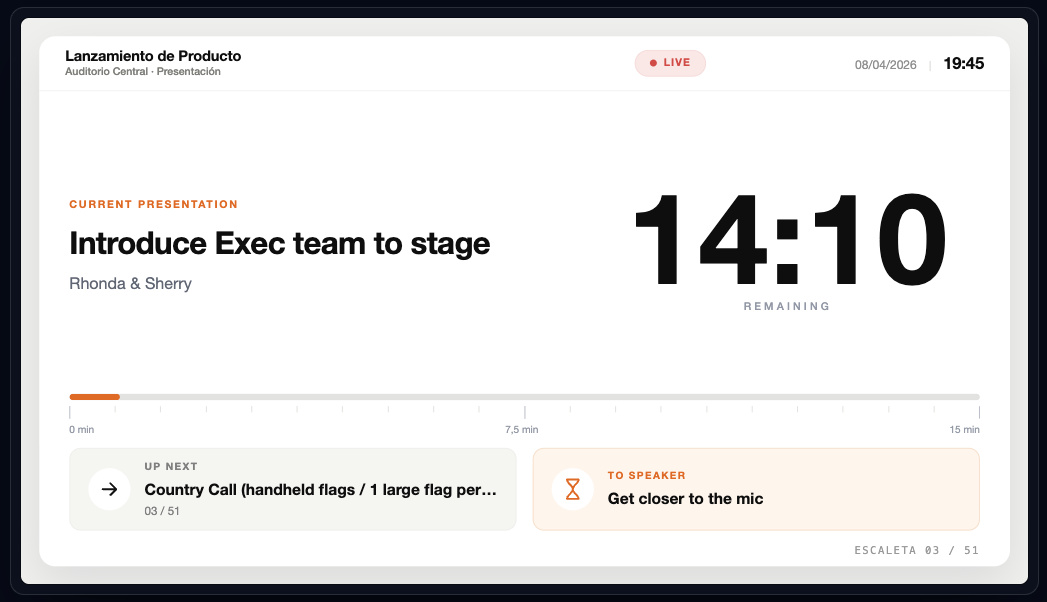
  • Speaker timer
    the presenter always sees the remaining time
  • Production team
    prepares the next session before it starts
  • QR monitor
    share the confidence screen in seconds
  • Professional overlays
    for room screens, streaming and video walls
Explore all features

Before you start

See all questions
Do I need to install anything?
No. It runs in the browser, both on the control machine and on the room screen.
How does the 24H Event Pass work?
A one-off €9.90 purchase (VAT included) with full access for 24 hours. It is not a subscription and it does not renew.
Can several screens stay in sync?
Yes. Booth, stage and room always see exactly the same time.
What happens when a plan ends?
Your account goes back to Starter. Your work stays there, ready for the next event.

Your next event can be a much calmer one.

Create your first event